
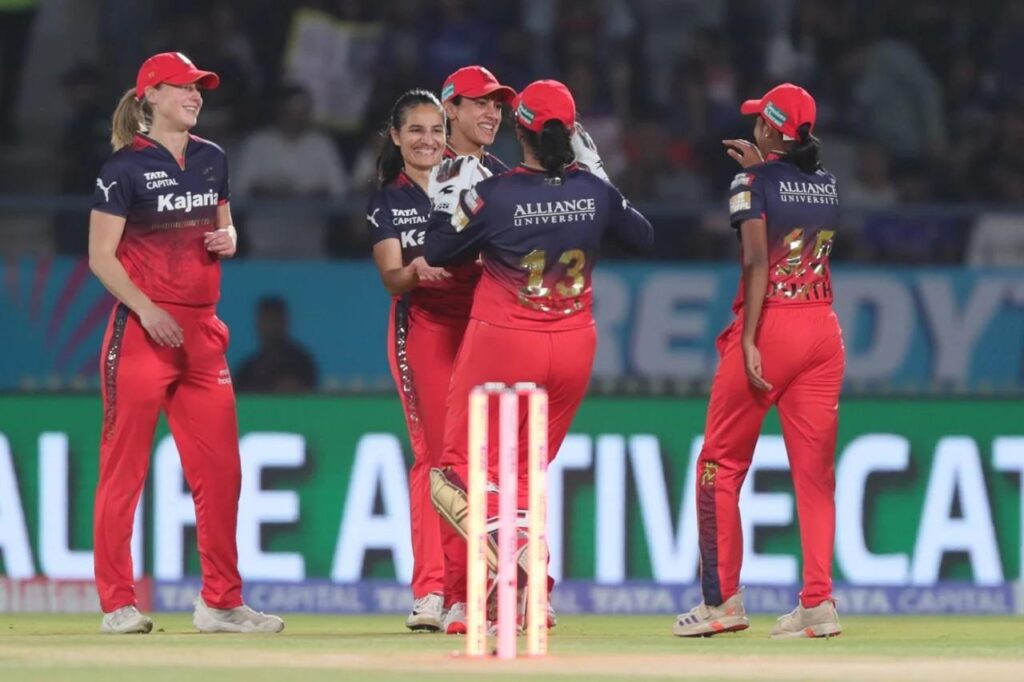
In the inaugural season of the Women’s Premier League, the Royal Challengers Bangalore Women had a shaky start, losing their first five matches in a row. Even with big stars like Smriti Mandhana and Ellyse Perry, results did not go their way, and RCB finished 4th out of 5 teams.
However, the story changed beautifully in 2024. After a disappointing first season, RCB started the new edition with a win and reached the final. They defeated the Delhi Capitals Women in a thrilling final and won the 2nd edition of the WPL. This victory was the RCB franchise’s first-ever title in any league.
As defending champions in 2025, RCB began strongly once again. Still, tough competition meant they finished 4th and missed the playoffs. After that, RCB reshaped their squad at the WPL 2026 mega auction, but the absence of their Australian star all-rounder, Ellyse Perry, will hurt their playoff chances.
If you want to cheer for RCB Women, book your tickets and support them from the stands.
Where To Book Royal Challengers Bangalore Women’s Match Tickets
To secure your ticket for Royal Challengers Bangalore Women’s games, use the District by Zomato platform, the authorized ticketing platform for the WPL 2026. You can also visit the official WPL website, which will direct you to the District for safe tickets.
To book, simply open the District app or website and head to the “Sports” category. Select the WPL 2026 season, choose your preferred RCB match, and pick your seats. Since all tickets are digital, ensure you have the app installed to access your QR code. On match day, remember to bring your smartphone and a valid government ID for entry.
How to Book Royal Challengers Bangalore Women’s Match Tickets
You can book the Royal Challengers Bangalore tickets by using these following steps:
Step 1: Launch the District by Zomato app or website, or navigate there via the official WPL page.
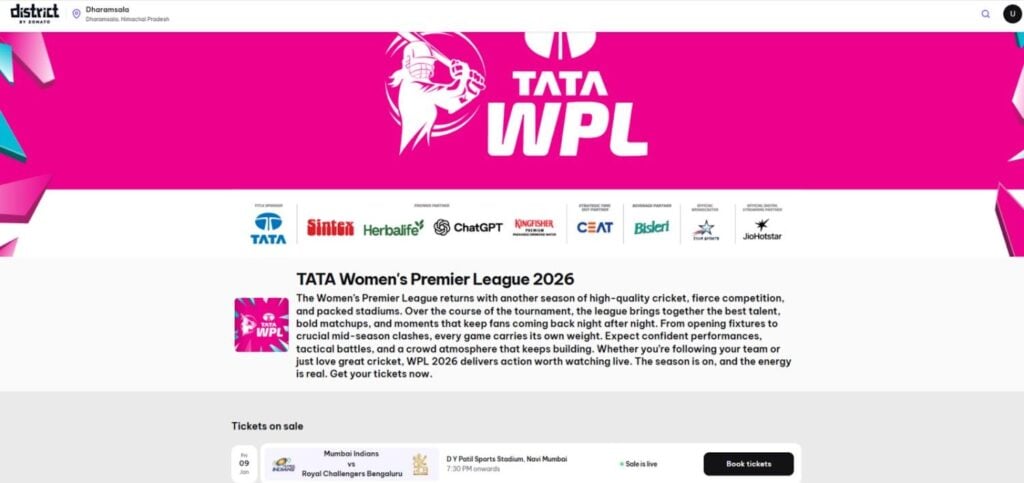
Step 2: Use the search bar to find “Royal Challengers Bangalore Women” or browse the “Sports” category for upcoming WPL matches.
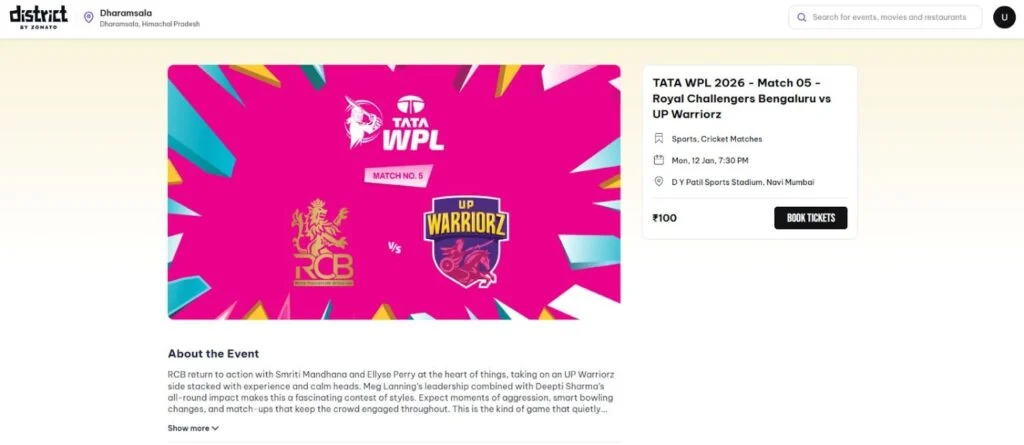
Step 3: Choose the specific match you want to attend and click the “Book Tickets” button to view available options.
Step 4: Consult the stadium layout and ticket prices (starting at ₹100) to select your preferred stand and seats.
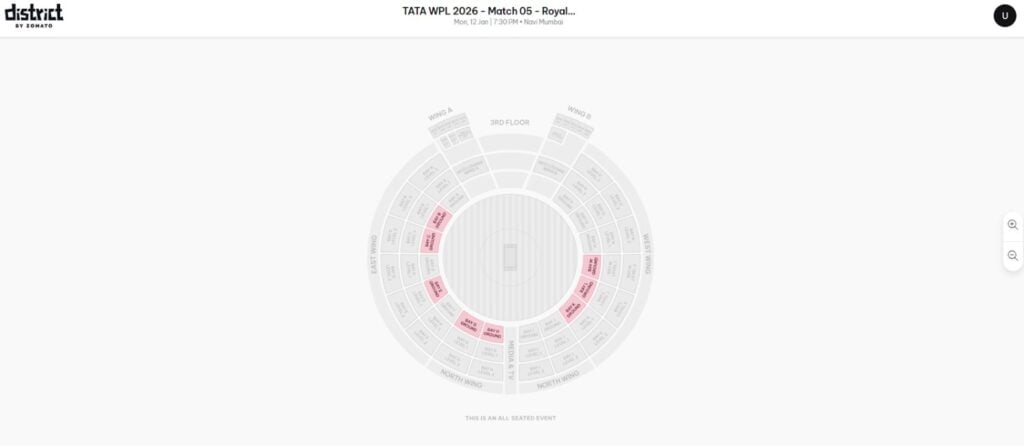
Step 5: Pick your specific seats from the interactive map (up to 10 tickets per person) and select “Add to Cart.”
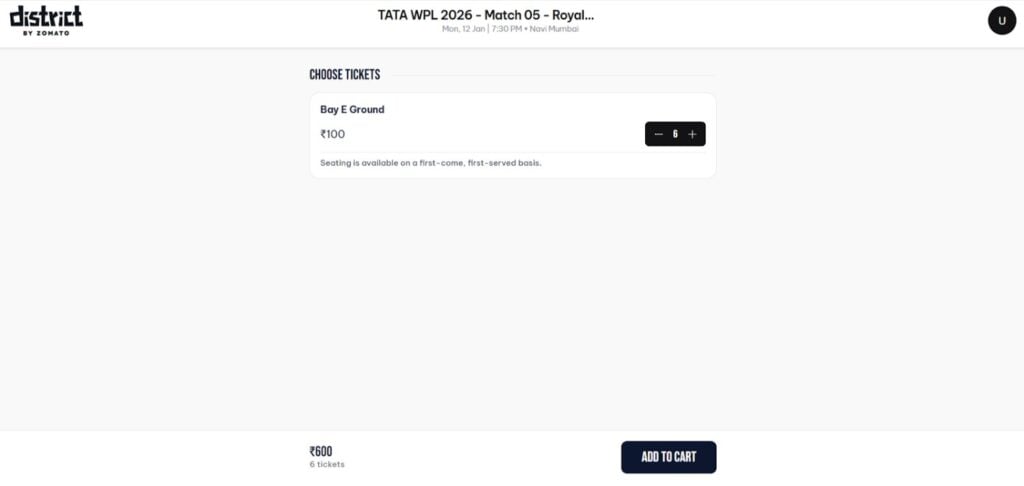
Step 6: Provide your contact details and complete the transaction using your preferred secure payment method.
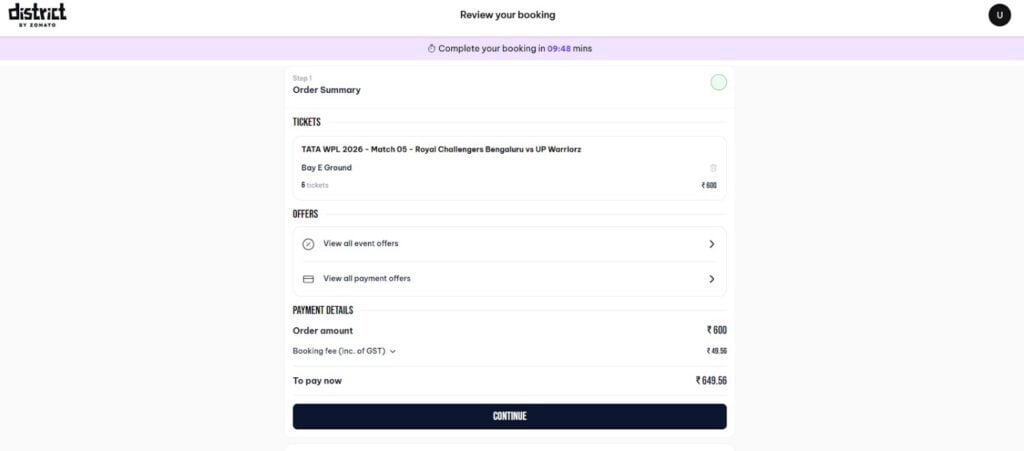
Step 7: Once confirmed, find your digital ticket in the “My Tickets” section and present the QR code at the stadium for entry.
FAQs
Children who are 2 years of age or older must have their own valid ticket to enter. Infants and toddlers under the age of 2 do not need a ticket.
Regardless of whether you bought your tickets on the website (District.in) or in the app, all tickets are issued digitally, and you can find them in the “Profile” section.
All sales are final; tickets cannot be canceled or refunded under normal circumstances. The only exception is if the match is officially abandoned.
Individual users can book up to 10 tickets within a single price category. If you are looking to organize a larger group, please contact bulkbooking@district.in for assistance.
If you can no longer attend, you may transfer your ticket to someone else. However, this must be completed at least 24 hours before the event starts.

Leave a Comment