
The Gujarat Giants Women had a difficult start in the Women’s Premier League. In 2023 and 2024, the team won only two matches and finished at the bottom of both seasons.
However, things changed in 2025. Under the captaincy of Ashleigh Gardner, the team played with more confidence and won four matches, finishing third. They finally reached the playoffs for the first time, but lost in the eliminator against the Mumbai Indians Women.
In 2026, can Gujarat Giants Women go one step further and win their first WPL title? Support your team from the stadium and book your tickets to be part of their journey.
Where to Book Gujarat Giants Women’s Match Tickets
You can book Gujarat Giants Women’s match tickets through District by Zomato, the official and authorized ticketing partner for the Women’s Premier League. You can also visit the official WPL website to book tickets securely.

For WPL 2026 matches, all tickets are digital only. After completing your booking, make sure the District app is downloaded on your smartphone, as your ticket and QR code will be available there.
To book your tickets, open the District app or website and go to the Sports section. Select WPL 2025/2026, then choose the Gujarat Giants Women match you want to attend.
How to Book Gujarat Giants Women’s Match Tickets
Here is the simple process for booking tickets for the Gujarat Giants Women in the WPL 2026.
Step 1: Open the District by Zomato app on your smartphone or visit the website in any web browser. You can also reach the same page through the official Women’s Premier League website.
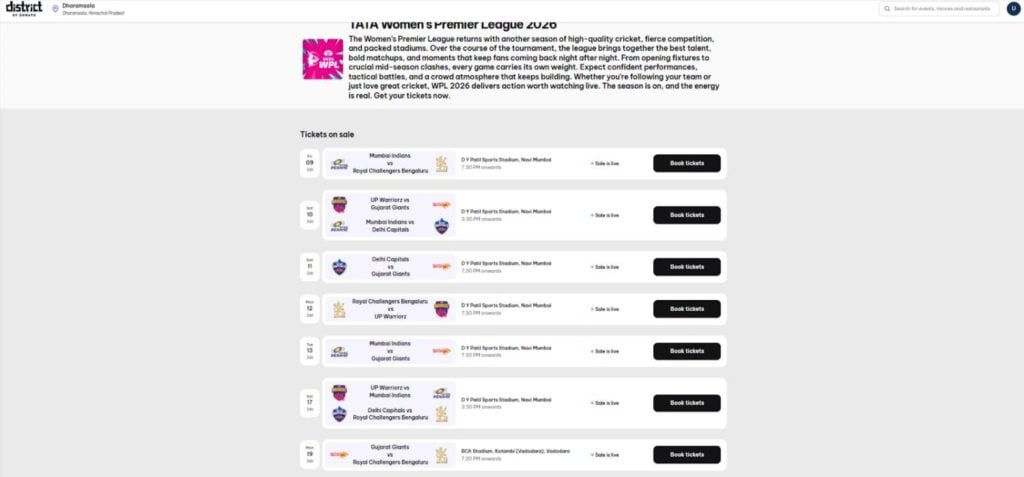
Step 2: Use the search bar and type Gujarat Giants Women, or go to the Sports Events section to see all upcoming WPL matches.
Step 3: Browse through the list of Gujarat Giants Women matches and select the game you want to attend based on date, location, or opponent.
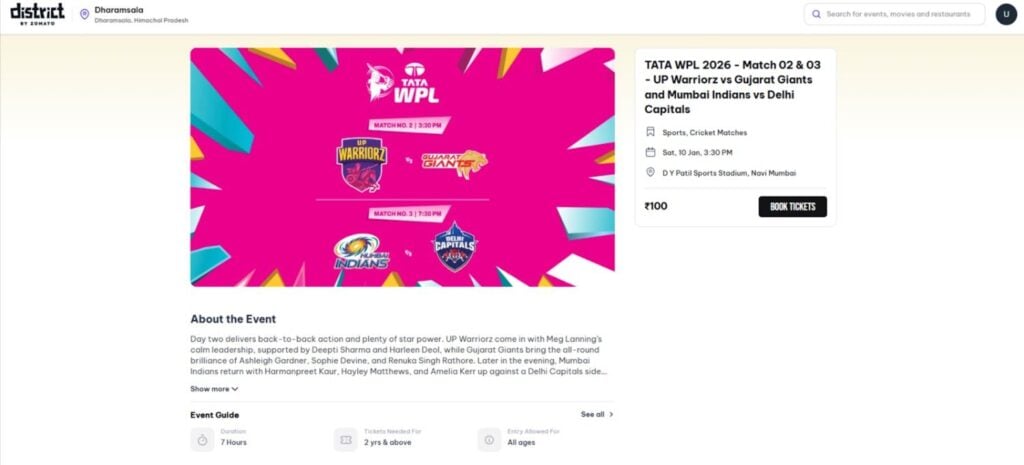
Step 4: Tap on the selected match to view full details, then click on the “Book Tickets” button to continue.
Step 5: Review the ticket prices, which usually start at affordable rates, and examine the stadium’s seating layout.
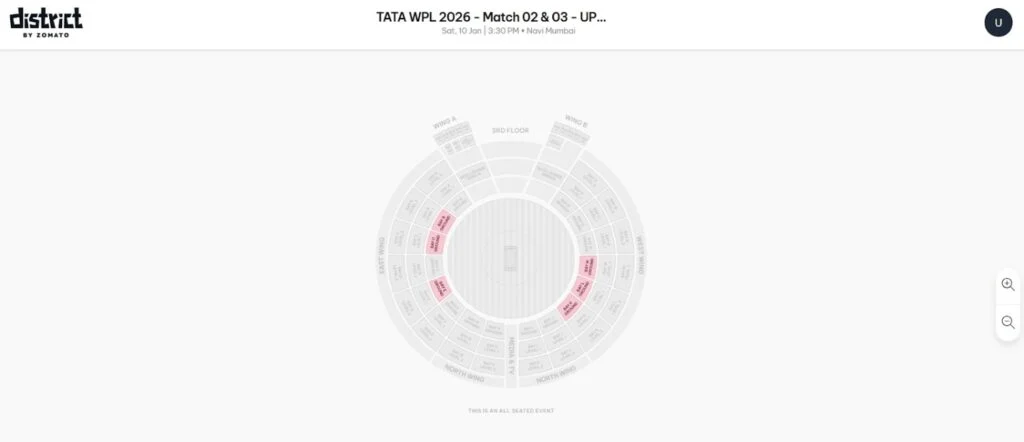
Step 6: Pick your preferred stand and choose the number of seats using the seat map. Remember, you can book up to 10 tickets per user ID.
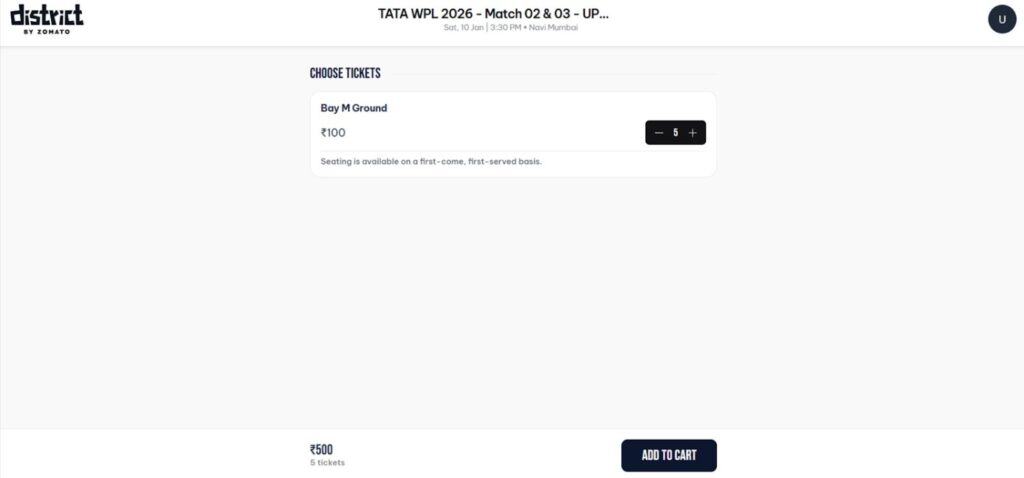
Step 7: After confirming your seats, add them to the cart. Enter your mobile number and email ID, then complete the payment using your preferred method.
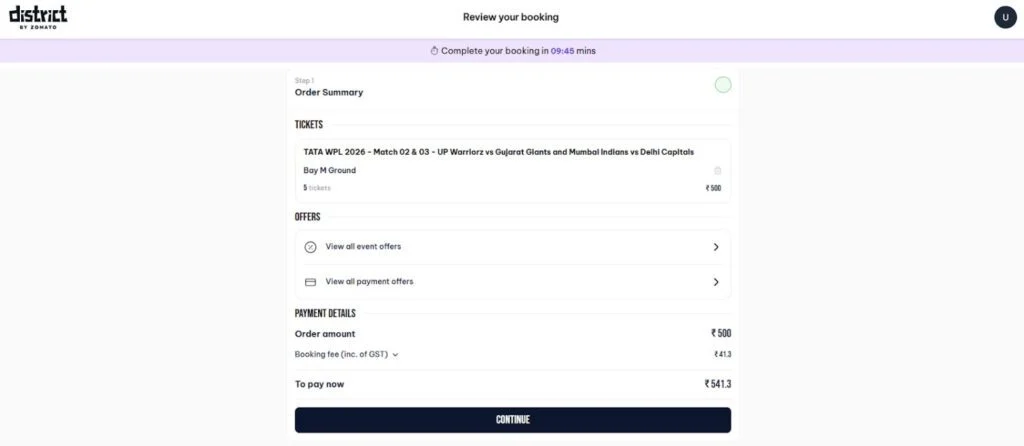
Step 8: Once payment is successful, your ticket will appear in the My Tickets section of the app. Use the QR code on your phone to enter the stadium on match day.
FAQs
Children aged 2 years and above need a valid ticket to enter the stadium. Kids under 2 years old can enter without a ticket, but will not receive a separate seat.
Tickets are non-refundable and non-cancellable. A refund will be provided only if the match gets officially abandoned.
Tickets can be booked through the District app or the official website District.in whichever is more convenient for you.
Each user may purchase up to 10 tickets in a single ticket category per transaction.
In the event of a failed or incomplete transaction, the amount will be automatically refunded to the original payment method within 7 working days.
All tickets are digital-only and can be accessed in the Profile section of the District app. No physical tickets will be issued.
The ticket QR code will appear 24 hours before the match starts. Make sure the app is installed and you are logged in early for smooth entry.

Leave a Comment